
Download specific file extension via wget easily on terminal
Sometimes, there may be files with more than one extension in a directory or folder. For example, .jpg, .png, .gif, .mp3, .mp4 etc.
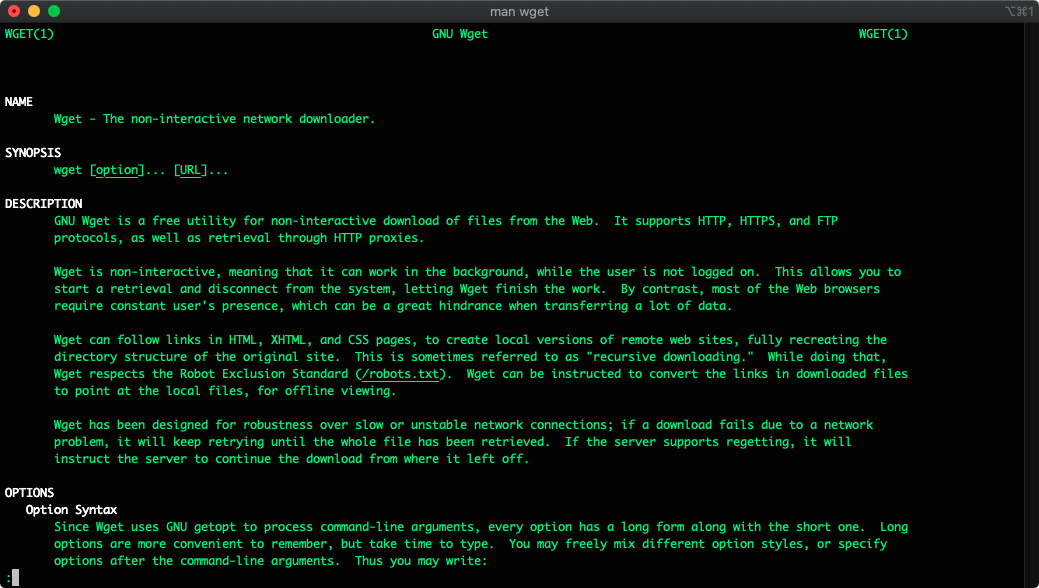
Sometimes, there may be files with more than one extension in a directory or folder. For example, .jpg, .png, .gif, .mp3, .mp4 etc. You want to download only gif files specifically from that source, but don't know how to do this? Don't be afraid, you're right.
wget is small software with a GNU license (i.e. free), by default on Linux and macOS operating systems.
The other day, I wanted to download the same .mp4 and .webm videos in an ftp directory, but I would either download the .mp4 ones or .webm files. Because of the size of 100 .mp4 files is 10 GB, 100 .webm files with the same content are only 6 GB. I decided to download the .webm files as I wanted to allocate much less disk space.
For this, I ran the following command and started watching the screen.
wget -r -A .webm http://videos.example.com/u/source/Yes, as you can see, that's all! If I wanted to download .mp4 files from this address, I would have to run this command this time;
wget -r -A .mp4 http://videos.example.com/u/source/This command also supports https or ftp instead of http. So you can use http: //, https: // or ftp: // as the connection protocol.
Conclusion
In this article, we have learned how to recursive download files with specific extensions using wget. I hope it worked for you. You can use this command on CentOS, ubuntu, Amazon Linux, macOS, and many other Linux distros.
More from Ercan
Two more sites, same author, different ground.
AI, LLMs, agents, applied ML.
Field notes on AI workloads. Bedrock cost analysis, agent patterns, vector storage trade-offs, production failure modes.
Visit ercan.ai →The hub. About, consulting, contact.
Personal hub for both writing tracks. Who I am, how the consulting works, how to reach me.
Visit ercanermis.com →