
Prevent nginx from caching DNS for proxy
If you are having problems with nginx proxy DNS caching, you can see the config for flush and/or clear DNS caching continuously...
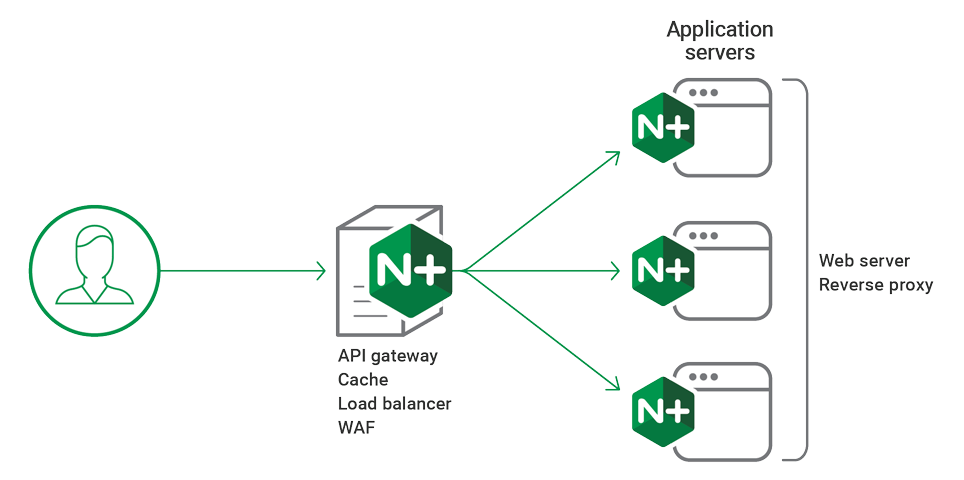
Hello everyone,
If you are using nginx as a proxy and/or reverse proxy, the nginx is caching the DNS information and if you are using AWS Application Load Balancer behind the nginx, and nginx sometimes needs to restart and/or DNS flushing to send a request to the AWS Application Load Balancer because AWS is always giving a CNAME and changing the Load Balancer IP address frequently.
There is no option to flush DNS on nginx, the only option is to restart the nginx and you can't solve the problems with restart always : ) You can use the nginx config below to fix this DNS Caching problem.
server {
   listen       80;
   server_name  proxy-request.ercanermis.net;
include /etc/nginx/default.d/*.conf;
set $proxydestination “backend.ercanermis.com”;
proxy_pass https://$proxydestination;
proxy_http_version 1.1;
proxy_set_header Host proxy-request.ercanermis.net;
proxy_redirect off;
proxy_cache_bypass 1;
proxy_no_cache 1;
resolver 8.8.8.8 valid=5s;
}
}
If you have any questions, please feel free to comment, thank you!
More from Ercan
Two more sites, same author, different ground.
AI, LLMs, agents, applied ML.
Field notes on AI workloads. Bedrock cost analysis, agent patterns, vector storage trade-offs, production failure modes.
Visit ercan.ai →The hub. About, consulting, contact.
Personal hub for both writing tracks. Who I am, how the consulting works, how to reach me.
Visit ercanermis.com →